7 Tools to Get Paid on WhatsApp Without the Hassle
We recommend 7 tools (and methods) to collect payments on WhatsApp quickly and easily. They work for businesses in any industry.

Struggling to collect payments from your customers? 👀
We know this part of the business can be a challenge, but it's essential if you want to keep growing.
The good news is that there are tools on the market that can help you manage your payments quickly, easily and professionally and all from WhatsApp!
In this article, we'll show you 7 tools to collect payments effectively on WhatsApp Business and make sure your money reaches you without a hitch 🙌
Stages of effective collection on WhatsApp: How do WhatsApp payments work?
First, you need to understand that WhatsApp payments work through payment systems integrated with the app, such as payment links that redirect the customer to a secure platform.
These links let businesses send a direct link so the customer can complete the transaction without leaving the app.
That said, for everything to work properly, sending the link isn't enough. It's essential to have an organized process and to understand that collecting payments through WhatsApp calls for a different approach than an in-person sale.
These are the stages you should follow to collect payments effectively on WhatsApp:
- 1Get organized: Start by organizing the details, from the amount to the payment methods.
- 2Contact the customer: Now that you have everyone you need to bill recorded and categorized, start the conversation in a friendly way without jumping straight to the amount.
- 3Make the request: Keep it simple, precise and brief. Get to the payment without losing sight of your goal, but avoid sounding threatening. Always keep their category in mind.
- 4Validate the payment: Confirm whether the payment message was clear and provide details about the available payment options.
- 5Monitor the process: Stay in touch to confirm the customer is making the payment. Once confirmed, proceed with delivery or clearing the debt.
- 6Document the payment: Finally, log payments in detail using accounting tools or your own system.
The 7 best tools to get paid on WhatsApp
Now let's look at which tools can help you with your collection process:
- 1Moonflow – Collections management powered by artificial intelligence
From starting the conversation to ongoing monitoring, everything should be handled strategically so you can collect without damaging the business relationship over the long term.
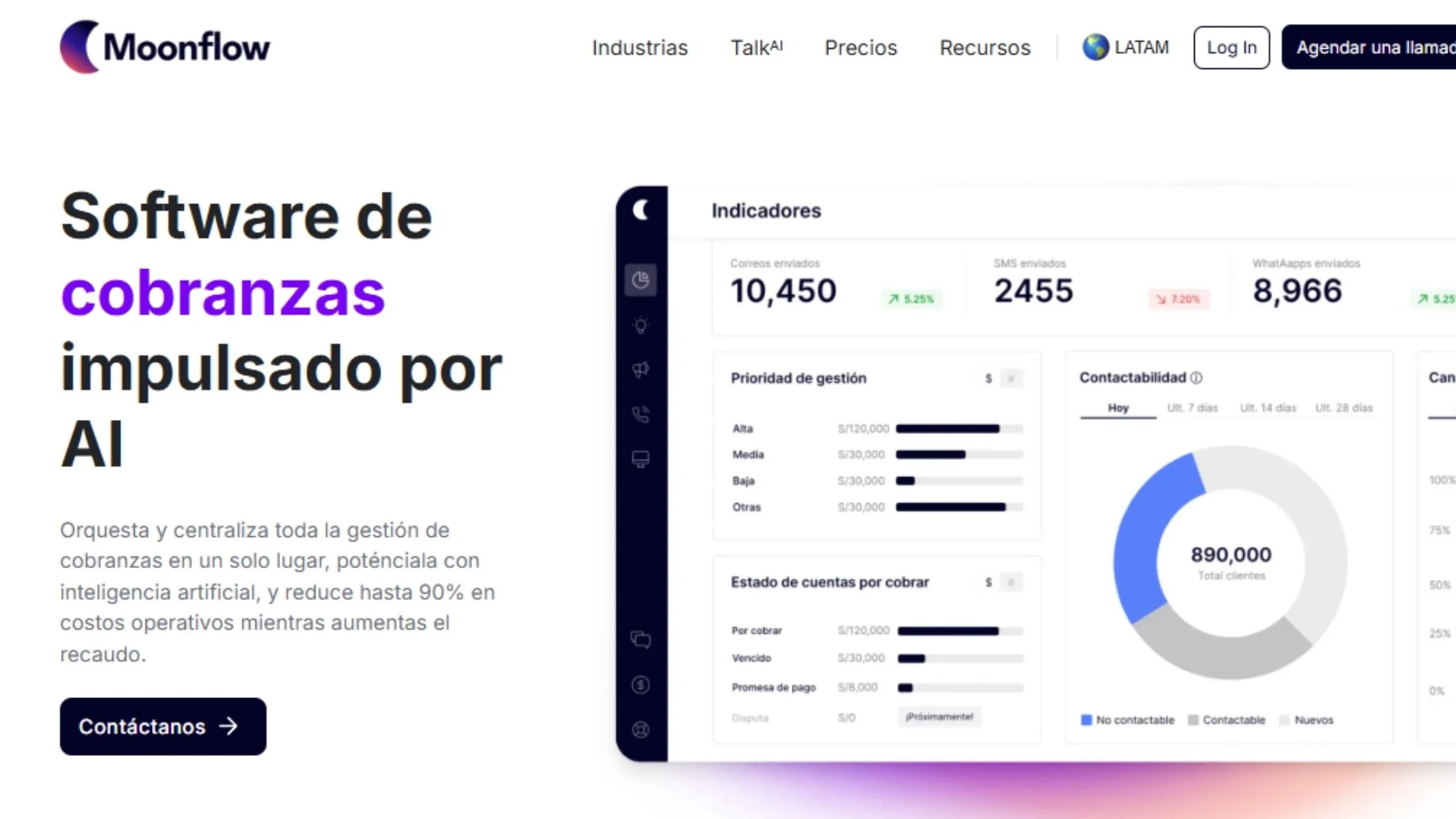
Moonflow lets you automate collections through artificial intelligence (AI) to simplify the process and ensure every step runs efficiently and consistently.
With its platform, you can centralize your collections and optimize your collection strategies across multiple channels such as WhatsApp, email and/or calls.
It also lets you view direct payments in real time and create personalized communications like collections web pages.
Its advantage is that it cuts operating costs across the entire collection process by up to 90%, so your team can focus on other aspects of your business.
Another big advantage is its smart customer segmentation, because it lets you know which personalized strategies to apply, which increases the odds of success when collecting from past-due customers.
Moonflow pricing
- Business-to-business collections: $299/month for the Essential version and $399/month for the Pro version.
- Business-to-consumer collections: $249/month for the Essential version and $349/month for Pro.
*Plans may vary depending on the number of customers.
Learn more about Moonflow and start collecting effectively with artificial intelligence.
- 1Lyra – Fast integration with payment links
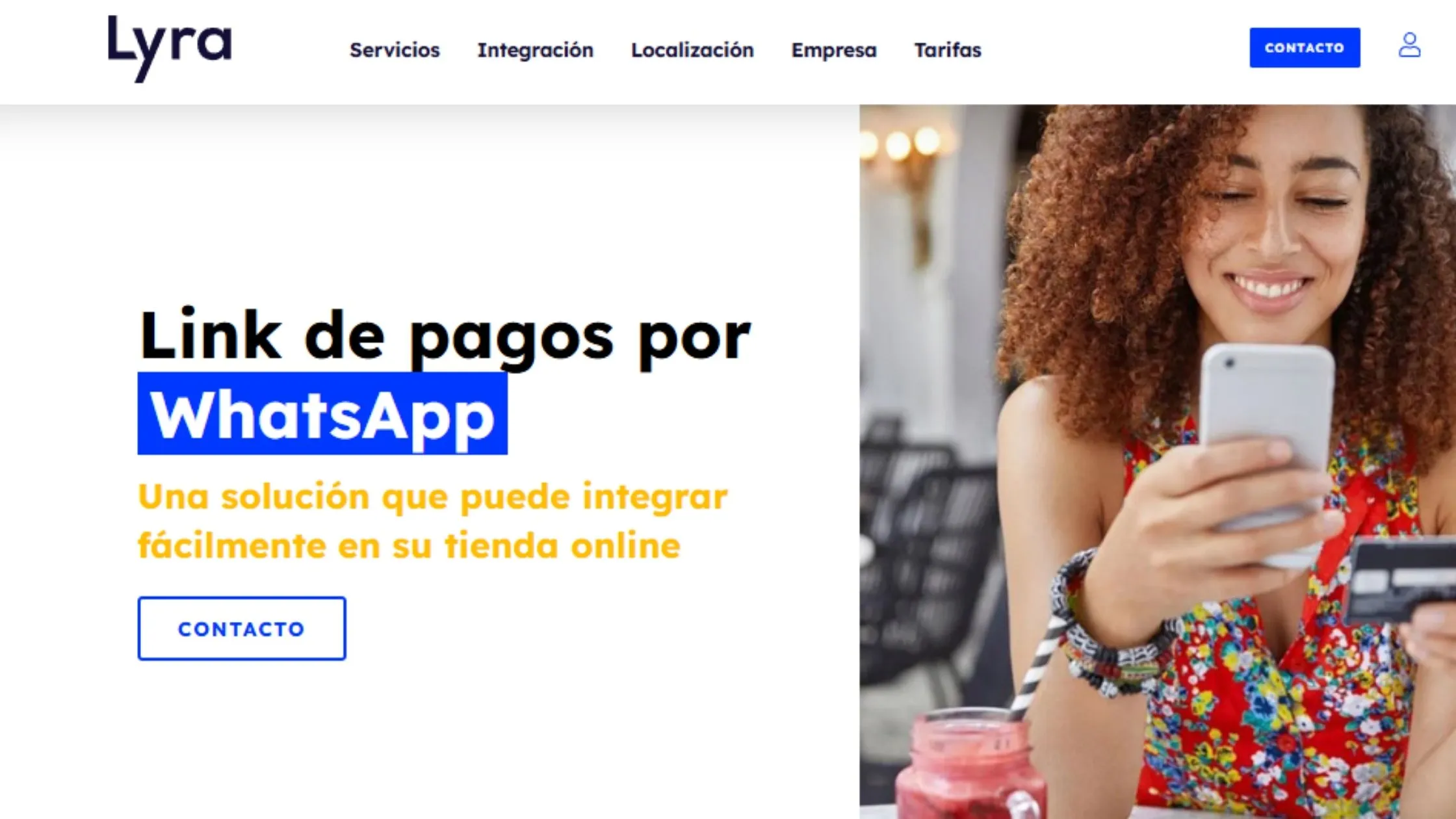
Lyra offers a WhatsApp payments solution that lets you create and send payment links directly to customers, making the payment process easy from mobile devices.
With Lyra, you have the option to personalize payment requests and track the status of your messages.
At the same time, it protects sensitive data, such as credit cards or personal information, thanks to a unique code (token) that lets you make future payments securely without storing the customer's real information. This reduces the risk of fraud and improves transaction security.
On top of that, payment requests are sent through a Facebook-certified WhatsApp account, which builds more trust with your customers.
You don't need any extra apps, just a WhatsApp account and a contract with Lyra.
Lyra pricing
For countries like Argentina, Brazil, Chile, Mexico, Peru and Uruguay, you'll need to contact Lyra directly to get a customized quote.
“You might be interested in: A quick guide to selling on WhatsApp”
- 1Mercado Pago – A platform with multiple payment methods

Here, Mercado Pago lets you create a personalized link with a range of payment methods such as credit and debit cards or even cash, which you can share via WhatsApp, social media or any digital channel.
Among its strengths, businesses receive payments instantly, with fraud protection and clear fees, and without needing a website.
It's a practical solution and you don't need to have an online store. Ideal for entrepreneurs and ecommerce businesses looking to simplify their payments.
Mercado Pago pricing
Implementation for your business is free. Mercado Pago charges through fees ranging from 2.99% to 5.99%, depending on the transaction or type of payment.
- 1Collection messages for WhatsApp

Collection message templates are also a useful tool for your payment process.
Here we share our article with real collection messages to inspire you and help you create one aligned with your brand and target audience. A personalized approach can get the customer to pay without delay and with a positive attitude.
Keep in mind that to get to the collection stage, success in sales is crucial, and you can automate that process with an AI agent that specializes in sales.
At yavendió! we have your next virtual salesperson powered by artificial intelligence that manages the entire sales process quickly, securely and efficiently. How does it work? Learn more on our website.
- 1Message automation on WhatsApp
Now, if you want to try it yourself, here's how to set up WhatsApp Business messages to collect payments from your customers:
- 1Download and open WhatsApp Business
- 2Go to the menu
- 3Enter “Business tools,” then “Organize your chats” and choose “Quick replies.”
- 4Add the message
- 5Edit the message content (you can add payment links and emojis)
- 6Choose the keyboard shortcut that will trigger the quick reply.
- 7Save the configuration.
Here you're only setting up the message content, but you'll still need to manually select the collection shortcut within the conversation.
To automate the whole process, platforms like Moonflow or yavendió! make sure everything gets done without any manual intervention.
If you're looking to automate your sales on WhatsApp, chat with yavendió!sita (our AI agent) and get a free demo 🎁
- 1Incentives to encourage prompt payment
Offering incentives is another effective way to motivate customers to pay on time and keep them from becoming past-due. Options include discounts, promotions or payment plans.
For example:
- “Get 10% off if you pay within 48 hours of receiving this message. Take advantage of this exclusive offer and save on your next payment.”
In this example, the incentive is direct and appealing, which will motivate the customer to take advantage of the limited-time offer.
- 1Direct contact to answer their questions
A range of factors can prevent an on-time payment. That's why it's key to offer a communication channel where the customer can get their questions answered and receive personalized solutions based on their situation or overdue balance. This shows genuine interest in their case, which strengthens the relationship over the long term.
Simplify your collections on WhatsApp
Collecting payments on WhatsApp can be stressful when dealing with past-due customers or when you have to handle every step one by one. That's why bringing in automated tools can make the process more successful, less intrusive and easier.
Make sure you fully understand the process and choose the tools that best fit the needs and capabilities of your ecommerce business. That way, you can optimize time and resources and offer a more efficient experience for both your company and your customers.
Ready to sell more with AI?
Create your free AI agent in minutes. No card. No install.