How to Sell on WhatsApp: The Quick Guide You Need
Learn how to sell on WhatsApp like a pro. Get practical tips to attract customers, build trust, and close more sales with every conversation.
Have you ever felt frustrated trying to sell your products or services on WhatsApp? Do you send messages that go unanswered or that simply don't deliver results? 🤯
Plenty of entrepreneurs and sellers run into this same challenge. The key is knowing how to use the full potential of WhatsApp to grab the attention of potential customers and turn them into sales.
In this quick guide, you'll learn how to use WhatsApp to sell like a professional: from the elements that build trust in your business, to why images and customer segmentation matter, all the way to how to automate your messages.
Let's look at how to sell on WhatsApp and make every conversation bring you closer to closing that sale.
#1 Complete your business profile
According to Edelman, 88% of customers say trust is essential when making a purchase decision. Start building that relationship from the very first contact and show that your business is trustworthy with a complete and up-to-date WhatsApp profile.
Here's the information you should include:
- Your business photo or logo
- Your company name
- Address or location
- A short description of the products and/or services you offer
- Business hours
- Email address
- Website and your other social media accounts.
#2 Put images to work for you
Visual content is your ally when communicating with your customers. Images, infographics, videos, and even memes are tools that grab attention and help make your business communication memorable. So, are you already using them to sell on WhatsApp?
“You might also like: How to create a catalog of your products on WhatsApp (step-by-step tutorial with images)”
#3 Craft a strategic welcome message
WhatsApp Business lets you set up an automatic welcome message for customers who write to you for the first time (or after 14 days of inactivity). Many people underestimate what a good greeting can do in a conversation with potential customers: it's your chance to make the best first impression on the way to that sale.
If you have no idea what to include in that greeting, here are 11 examples of welcome messages for WhatsApp.
#4 Reply fast, always!
The best moment to make a sale is when the customer themselves shows interest in what you sell. And the only way to take advantage of it is by replying to their messages right away.
You can set up quick replies in WhatsApp Business that work as ready-made answers to your business's most frequent questions. For example, when someone asks about payment methods, you can pull up one of your quick replies about payments and select it to send instantly. This saves you a few minutes since you no longer have to type it out word by word.
“You might also like: 5 real examples of payment reminder messages for WhatsApp”
In fact, customers expect a reply in 1 minute or less are you pulling that off? An AI agent can respond to your customers instantly, 24/7. Try yavendió!sita, the AI agent from yavendió!, to see just how fast it is and get a free demo 🎁
#5 Organize your chats for effective follow-up
Segment your customers based on the buying stage they're in. With WhatsApp, you can create labels like “new contact,” “interested in product X,” “order to confirm,” “payment pending,” “repeat customer,” or others that help you categorize your chats.
That way you can quickly identify what type of potential customers they are and how to continue the conversation with personalized messages.
#6 Prepare a persuasive sales pitch
Every good salesperson has a pitch or sales speech that focuses on speaking directly to the customer's problems and highlighting how the product benefits them. If you don't have one yet, check out this article on how to create your sales pitch for WhatsApp.
And every time you interact on WhatsApp, keep Alan Weiss's 6 stages of persuasion in mind.
- Interest: The first moment your brand catches the potential customer's attention (Messages: Free, Discounts, New, The latest)
- Encounter: The person is open to learning what you offer and writes to you or actively looks for information. (Messages: Focus on the customer, talk about how you understand their problems)
- Trust: The potential customer already knows what you offer and has to decide whether they trust your product or service. (Messages: Guarantees, customer testimonials, statistics, success stories)
- Agreement: You need to communicate what the potential customer will get for their money. By this point you should know enough about the person to show them an offer that fits what they need. (Message: Especially for you)
- Deal: The sale closes while honoring the agreement. Focus on a simple, fast process for the customer.
- Transformation: You need to show the customer how buying your product or service made a change in their life. This raises the chances of a repeat purchase. (Message: Anything else I can help you with?, how-to tutorial)
#7 Sell more on WhatsApp with Artificial Intelligence
If you thought Artificial Intelligence (AI) was only for big corporations, think again. AI agents are revolutionizing the way large and small businesses communicate with their customers - especially in retail and online commerce.
Did you know that 80% of consumers have already interacted with a chatbot at some point?
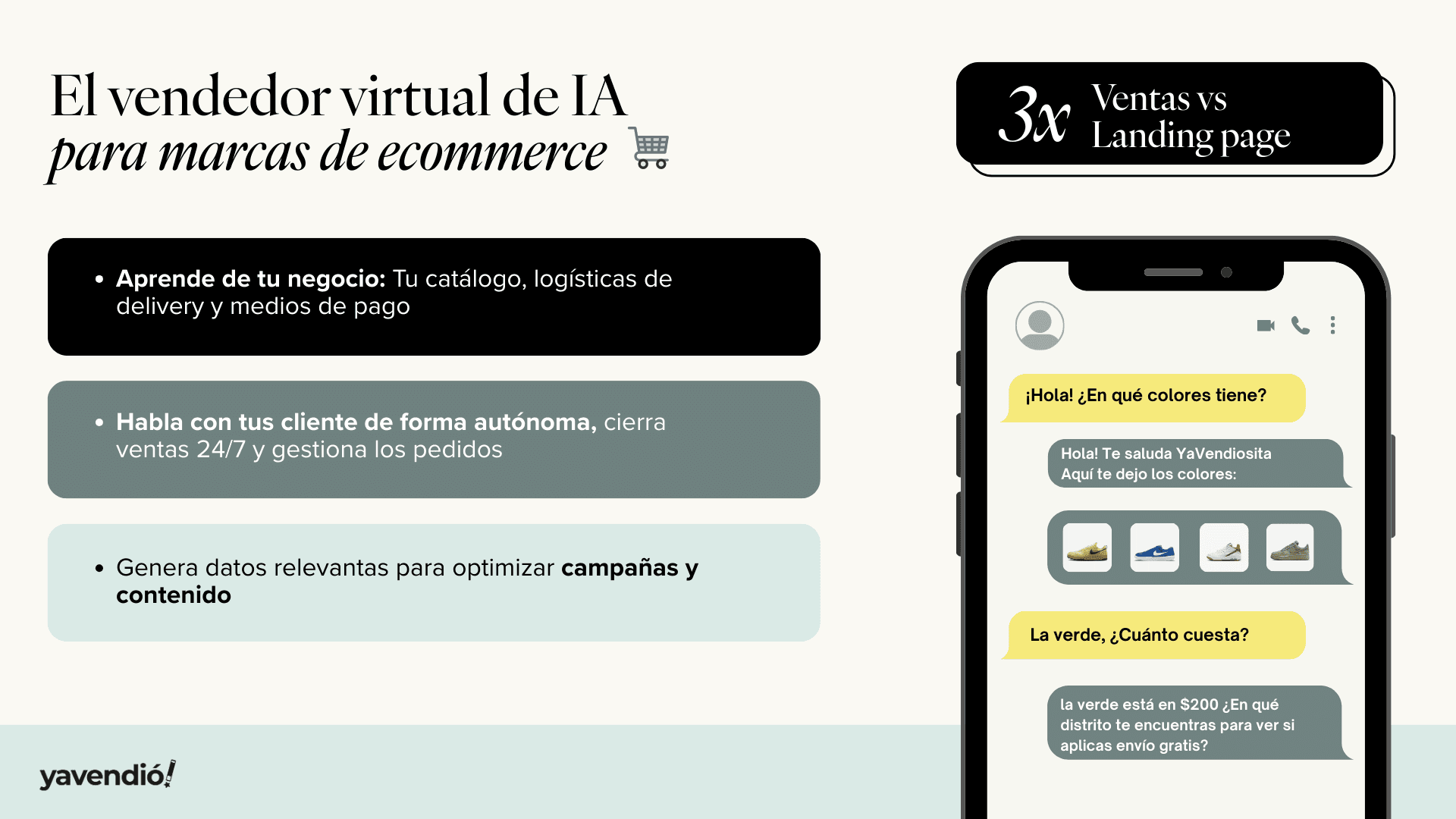
If you want to join this trend and boost your WhatsApp sales, meet yavendió!, the only AI agent specialized in e-commerce sales.
You might also like
Ready to sell more with AI?
Create your free AI agent in minutes. No card. No install.